A topic's page
On this page
Every topic has a page of its own, such as the page for Sports › Baseball. It says what the topic covers, lists its subtopics and the words it collects on, and shows its latest articles.
#The top of the page
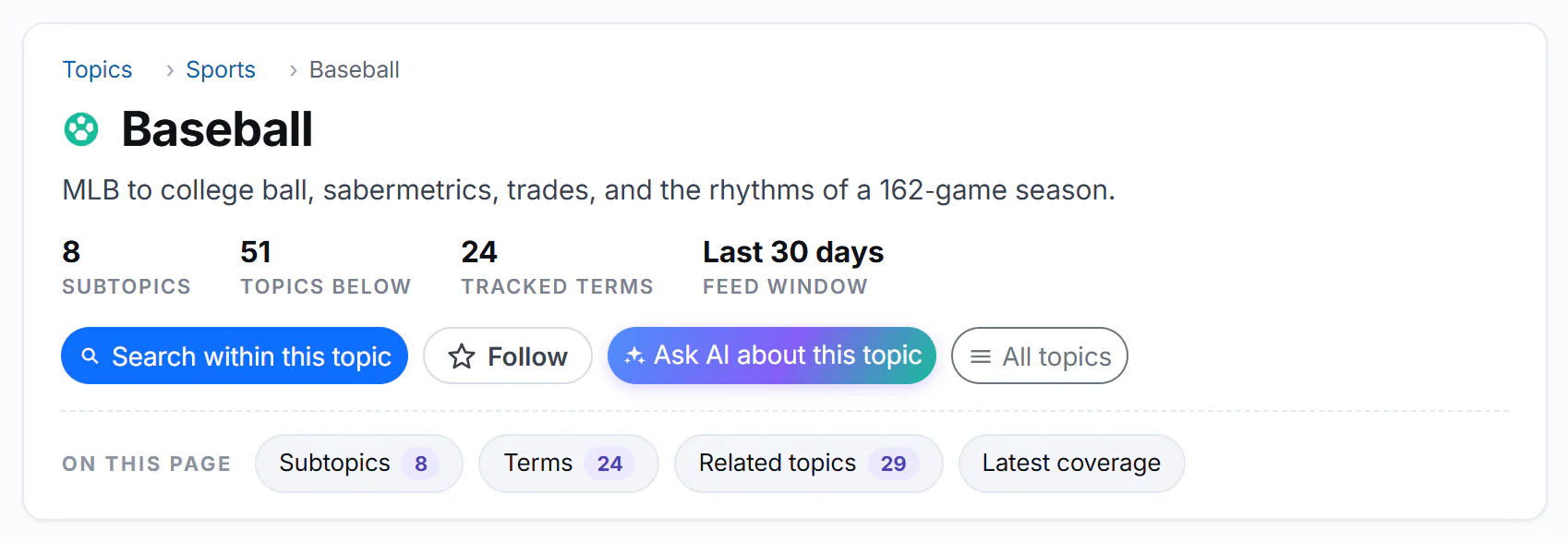
The top of the Baseball topic's page.
- 1The trail back up to Topics
- 2The topic and what it covers
- 3How much is inside it
- 4Search within this topic
- 5Follow
- 6Ask AI about this topic
- The trail, such as Topics › Sports › Baseball, shows where the topic sits; select a step to go up a level.
- The name and description say what the topic covers.
- The counts say how much is inside: Subtopics (directly under it), Topics below (all levels), Tracked terms (the words it collects on), and Feed window, how far back the articles on the page go, such as Last 30 days.
- Search within this topic opens the News search with this topic chosen. See Search within a topic.
- Follow adds the topic to your topics; it then reads Following. See Follow topics.
- Ask AI about this topic opens AI Mode about this topic. See Ask AI about one topic.
- All topics opens the Topics directory.
Under the buttons, On this page jumps to the parts below.
#Further down
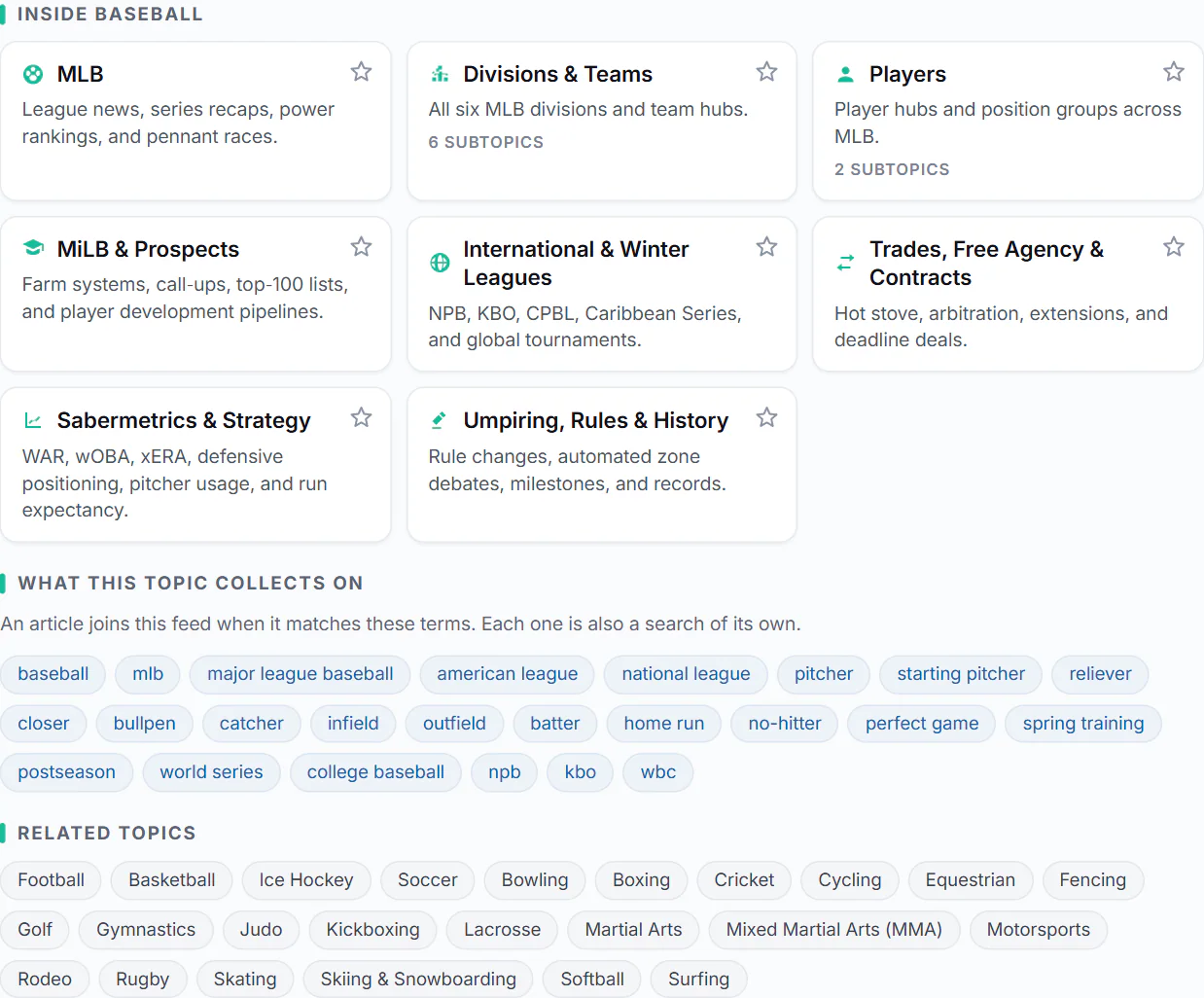
Subtopics, the words the topic collects on, and related topics.
- 1A subtopic: select it to open its page
- 2The star follows the subtopic
- 3The words this topic collects on; each one is a search
- 4Related topics
- Inside the topic: its subtopics as cards, each with a short description, its own subtopic count and a star to follow it.
- What this topic collects on: the words that bring an article into the topic. Each one is also a search: select it to see the topic's articles with that word.
- Related topics: the other topics at the same level, such as Football and Basketball next to Baseball.
- Latest in the topic: its latest articles, as result cards with Full coverage and the other buttons. See Result cards.
#Common questions
Why does an article appear in a topic I did not expect?
An article joins a topic when it carries the topic's words and fits its subject. Articles can carry many words, so now and then one lands in an unexpected topic. What this topic collects on shows the words the topic uses.
How current are the articles on a topic's page?
The Feed window count says how far back they go, usually the last 30 days. Some quieter topics look further back.